
A mailing list is a list of contacts: a set of email addresses that regularly receive informational or promotional content.
It is a fundamental component of digital marketing.
Mailing list meaning
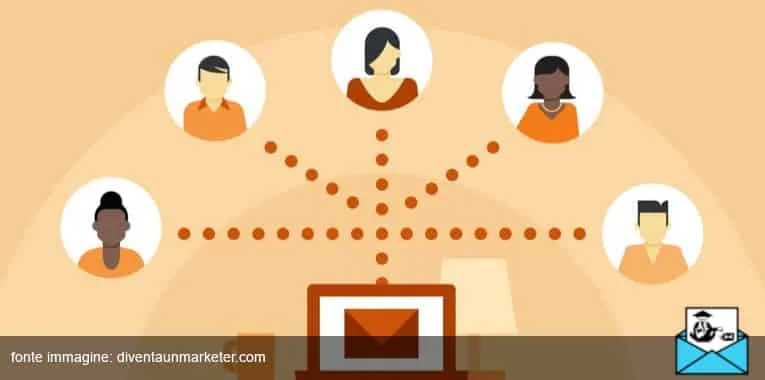
So what exactly is a mailing list?
Simply put, a selection of contacts. More precisely, carefully chosen email addresses that can be used to run all kinds of digital marketing campaigns.
Email is the greatest invention. Wally Amos
Companies can use this database to:
- inform recipients about promotions or the products/services on offer;
- build loyalty among users;
- monitor open rates and other key KPIs in real time.
How to build an effective contact list
In short, to run an email marketing campaign you need a good mailing list, which means contacts that weren’t simply bought.
So how can you collect them?
Always focus on growing your database: new subscribers are more responsive and deliver healthier open rates and ROI. Karl Murray
Here are a few practical tips you can apply right away to build an effective mailing list:
- add a contact form to your website or blog;
- if you run an online store, ask for the email address at checkout;
- use a double opt-in subscription process;
- offer free content, gifts or discounts in exchange for newsletter sign-ups.
Of course, remember to check the addresses you hold regularly. Remove long-term inactive subscribers and emails with obvious errors. And never buy email addresses that haven’t been verified!
Segmentation: what is a tag?
A mailing list lets you send the same message to every subscribed address at the same time.
However, you can also segment your contacts.
That means creating subgroups of addresses based on shared parameters, such as geographic area, demographics, interests and actions.
This boosts user engagement and increases the likelihood of conversion.
In other words, don’t fire blindly into the crowd: send messages your recipients will actually find interesting.
The easiest way to do this is with tags, also known as labels.
They let you classify the data you hold using keywords. In practice, they work like hashtags without the # symbol.