
A CMS (Content Management System) is software designed to create, manage and design a website in just a few simple steps.
What makes a CMS unique is that you don’t need any specific technical skills to use it. Because the software is ready to go, you skip the technical steps (such as uploading HTML files to a server) that would otherwise require specialist knowledge.
This is especially helpful for people who want their own website or personal blog but don’t know where to start and aren’t familiar with markup languages.
Relying on a content management system lets you build your blog exactly the way you want, taking advantage of the many features the platform puts at your disposal.
What you can do with a CMS
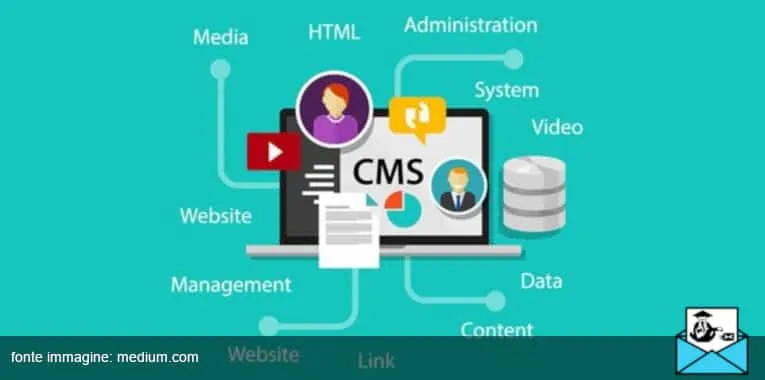
As mentioned above, people choose a CMS to get their own website project off the ground. Which raises an obvious question: what kinds of websites can you build with a CMS?
The answer is broad, and good news for anyone with big ambitions. With a Content Management System you can create:
- Blogs;
- Online newspapers;
- Informational websites;
- Corporate websites;
- Membership sites;
- E-commerce stores.
In short, almost any type of website you see on the internet today.
Pros
Building a website from scratch without needing to know technical jargon is certainly not the only advantage a CMS can offer.
Among its benefits, these are without doubt the most significant:
- Speed of development
- A wide range of built-in features
- Short turnaround times
- Customization
- Fast file and data uploads
- Easy-to-use plugins (e.g. for SEO)
- Affordable pricing
Cons
Like anything else, a CMS has its downsides, or at least some limitations you should weigh before making your choice. Here are the most important ones:
- Best suited to simpler, less complex websites
- Limited customization (especially if you have very specific requirements)
- Code that is not always well optimized
- Difficulty making changes to the site after a long period of time
- Greater exposure to hacker attacks
The best CMS platforms to rely on
There are plenty of options out there, but these are among the most widely used and reliable:
Want to know their features? Here are the 10 best CMS platforms you simply can’t say no to!
From theory to practice
As mentioned at the start, the setup process is quick and takes very little time. First, you need to purchase hosting (the service that keeps your website online).
Next, you install the CMS on the server and configure it. The final step is the easiest one, and it’s entirely up to you.
Write your content and customize everything the way you like!