
Spam is, in a word, junk. It refers to unwanted messages: messages sent, often repeatedly, to recipients who never asked to receive them.
What is spam?
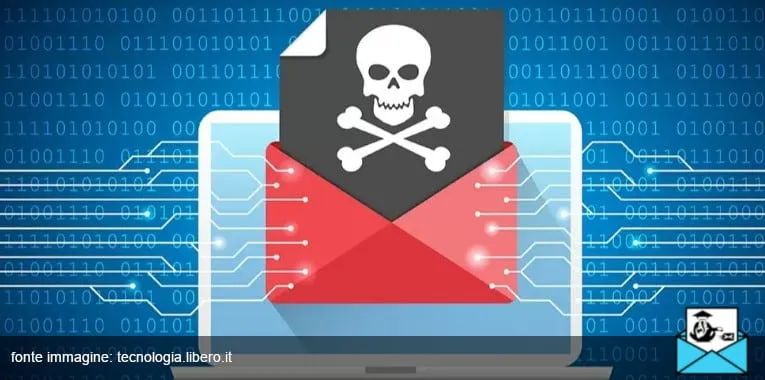
The term is usually associated with email marketing, because it mostly describes unsolicited email messages, especially advertising (so-called junk mail).
But spamming can also happen via text messages, forums, social media comments, chat apps and, broadly speaking, any other promotional or communication channel.
Spam is often the result of a poorly designed email marketing strategy. Profiling your contacts, making sure you have consent, segmenting your sends and aiming for relevance: these are all best practices for email campaigns that stay out of the spam folder and deliver a meaningful ROI. Stefano Branduardi, MailUp
So what is the main purpose of spam? Marketing, obviously.
It is a commercial tactic, but a risky one.
First and foremost, because it violates the recipient’s privacy.
Types of spam
We’ve covered the general meaning, but behind it lies a fairly varied landscape. In other words, there are several types of spam.
Let’s look at them.
- Scam Spam designed to defraud. These are usually emails that try to build rapport with the recipient by asking for help or financial support.
- Malware Software that harms your computer. It is often hidden in seemingly harmless files, and sometimes in links to infected websites.
- Phishing A close relative of scams, phishing tries to steal sensitive data through deception, by impersonating trusted organizations such as banks, insurance companies and so on.
- Newsletter Or rather, newsletters the user never signed up for. This is a less invasive form of spam, but that doesn’t make it acceptable.
How to protect yourself
Now that we know what a spam message is, the next question is: can it be avoided?
Absolutely. Or at least, there are solid tips you can put into practice. They may not eliminate the problem entirely, but they can reduce it drastically.
For example:
- Set up a spam filter in your inbox and report every suspicious message.
- Be careful when you sign up for online accounts or services. Check the optional boxes before you submit.
- Share your email address publicly as little as possible, or outsmart spambots by writing it in an obfuscated form.
It’s also a good idea to keep your computer’s operating system up to date to avoid security holes.