
Widgets are interactive elements that add functionality to a website. They are used to enrich the user experience on a page and are usually placed in well-defined areas of it.
What are widgets?
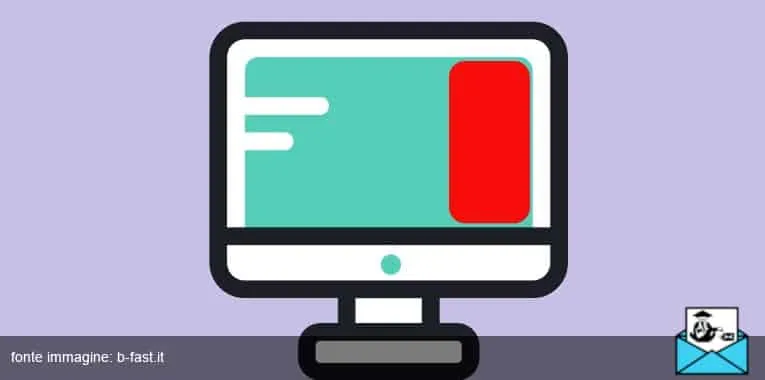
The word is commonly said to blend “windows” and “gadget“. Widgets are, in effect, accessories: add-on elements that make a blog’s interface more interactive.
Examples of widgets include the search bar, the category list on a WordPress blog, and the newsletter sign-up form. The main purpose of these tools is to prompt users to take an action and, ultimately, to keep them on a site for as long as possible.
Why add them to your website or blog?
Some of the widgets that come built into WordPress or Blogger templates are designed as a call to action for your visitors. With one of these digital “accessories”, you invite them to spend more time on your site.
How does that work? If a reader is going through one of your blog posts, for instance, it can help to suggest other posts on the same topic. Or you can encourage them to visit your bio page to find out why you know so much about the subject.
The most important WordPress widgets
The world’s most popular CMS is chosen by brands, freelancers, bloggers, and magazines alike, partly because of its huge range of widgets, many of them free.
The most important ones include:
- Information widgets. For example, a clock, a calendar, or a small weather box.
- Collection widgets. They create a list or gallery of items, such as web pages, images, or videos, that users can interact with.
- Navigation widgets. Examples include the contact form, the search bar, and blog categories: they get their name precisely because they let users navigate and explore the site.
How and where to place them
If your blog runs on WordPress, Blogger, or Joomla, the templates themselves often suggest where to place the most important widgets.
That said, blogging platforms are flexible enough to let you move them around to suit your needs. Figuring out how to arrange the various page elements takes some intuition, a good eye for design, and lots and lots of practice.
Knowing which sections of the page get the most clicks is just as important. If you want to nudge readers to click a specific element, put it in the most prominent spot. It will take some practice to learn what works and what doesn’t, and perhaps some help from a webmaster.
Are widgets essential?
Well, if you want a blog that is engaging, easy to navigate, and intuitively structured, yes. Imagine a reader who needs to reach a specific page on your site but has no way to search for it: you would lose a page view, and maybe a conversion too.
Beyond the default ones, there are also widgets that help you with sales, social media engagement, and lead generation. A truly valuable tool for any website, don’t you think?