
In this article (5)
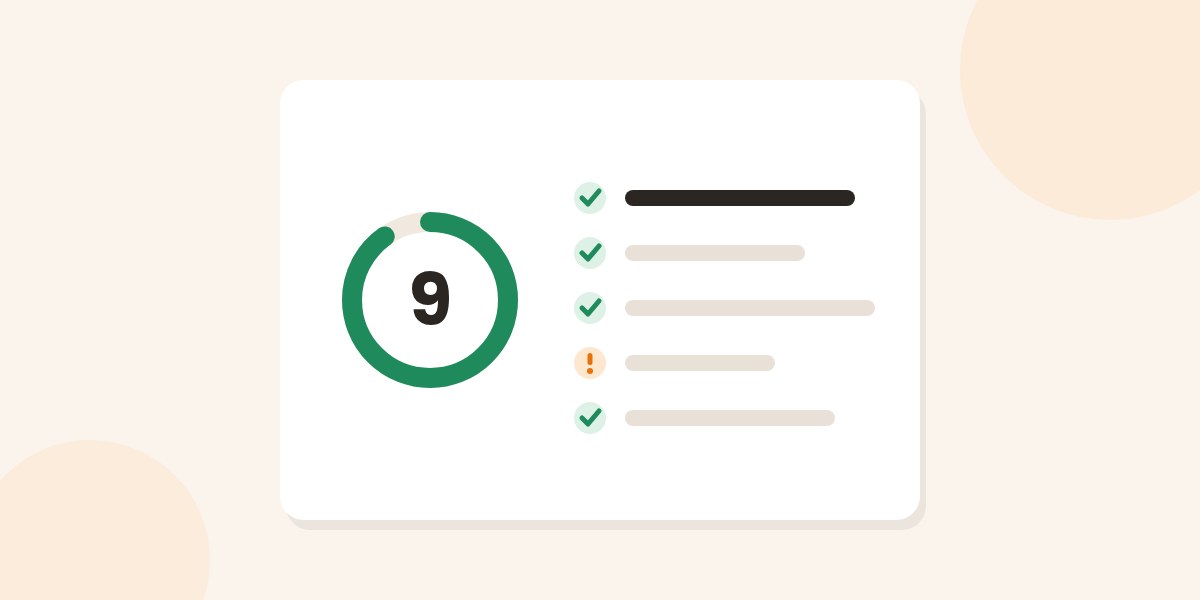
Before it reaches the recipient, every email goes through a filter that gives it a spamSpam is unwanted messaging: messages sent, often repeatedly, to recipients who never asked to receive... More score. Below a threshold it passes; above it, it lands in spamSpam is unwanted messaging: messages sent, often repeatedly, to recipients who never asked to receive... More or is rejected. You never see that score unless you run a test. Here is how to run one, how to read the result and where to start fixing.
Send a real email to a test address and get a score from 0 to 10, with every check explained.
How a spam score works
A spamSpam is unwanted messaging: messages sent, often repeatedly, to recipients who never asked to receive... More filter does not look for one forbidden word: it applies hundreds of rules and adds up the points. Some rules look at who is sending (is the domainIn technical terms, a domain name is the address used to visit a specific website.... More authenticated? is the IP on a blocklist?), others at how the message is built (headers, links, the ratio of text to images). No single rule decides: the total does.
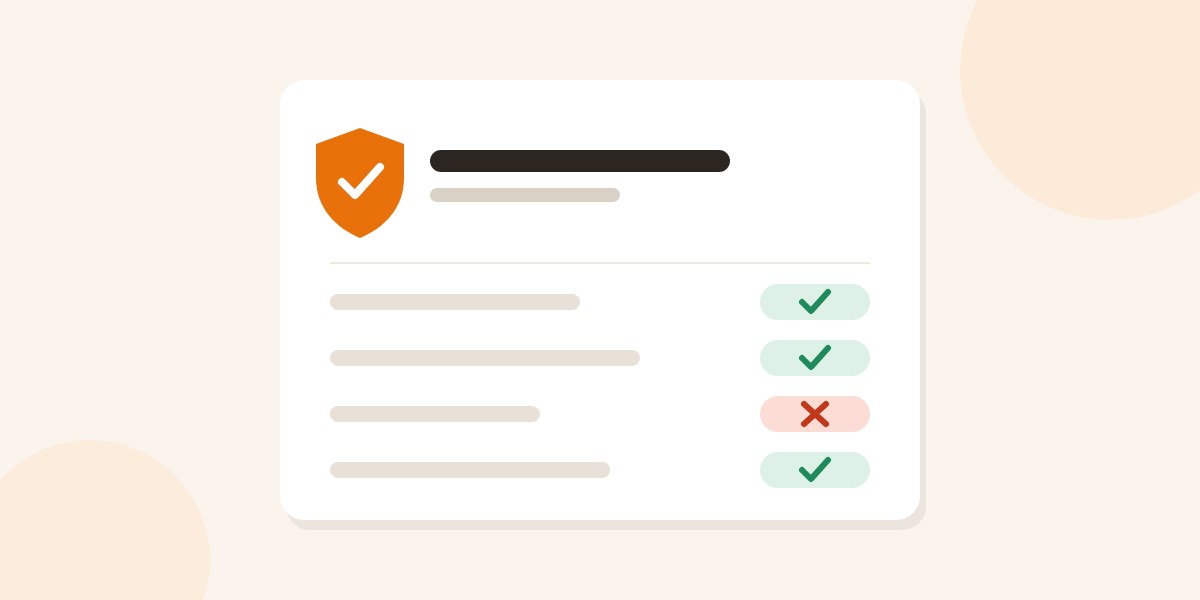
In the MailSenpai email spam test the score starts at 10 and drops for each failed check. The checks fall into six parts: authentication, blocklists, sending server, headers, content, and the verdict of a real spamSpam is unwanted messaging: messages sent, often repeatedly, to recipients who never asked to receive... More filter, with the list of rules that fired and the points for each.
How to read the score
- 9 to 10, excellent. The message looks right. What remains are the factors no test can see, such as your sending history.
- 7 to 9, good. Something needs fixing, usually a header or a content detail.
- 5 to 7, needs work. At least one important piece is missing, often in authentication.
- Below 5, at risk. As it stands, the message is likely to be filtered.
If the test cannot evaluate one part, authentication for example, the score is marked as partial: the points for that part are not given away.
What to fix first
- Authentication (SPF, DKIMDKIM is an email authentication method based on a digital signature. The acronym stands for... More, DMARCDMARC is the system created to ensure email compliance and integrity. Short for Domain-Based Message... More). It carries the most weight and it is what the large mailbox providers explicitly require from anyone sending in volume. Without a DKIMDKIM is an email authentication method based on a digital signature. The acronym stands for... More signature and DMARCDMARC is the system created to ensure email compliance and integrity. Short for Domain-Based Message... More, the rest matters little. You can verify the records with the free email DNS checker.
- Blocklists. If the IP or a domainIn technical terms, a domain name is the address used to visit a specific website.... More in the message is listed, fix the cause and ask for removal: the blacklist check shows the detail.
- Sending server. Reverse name of the IP, greeting and encryption. If you use a sending service it is up to them; if you send from your hosting, ask the provider.
- Headers. Message-ID, date and, for newsletters, one-click unsubscribe.
- Content. Shortened links, an email made of a single image, an all-caps subject, HTMLHTML stands for HyperText Markup Language. It isn't a programming language but a system for... More with no plain-text version.
Then run the test again: every fix shows in the score.
What the score does not tell you
The score describes how that one message looks to a filter and to public checks. It is not a promise of inbox placement: each mailbox provider decides on its own, partly on how recipients treated your past emails.
Frequently asked questions
In the MailSenpai test, 9 and above means the message looks right, 7 to 9 means something needs fixing, below 5 is at risk. Other tools use different scales: what matters is reading which checks failed.
Because with a free mailbox you would be measuring that provider, not your own sending setup. The test is free, up to 3 a day.
Yes. From your newsletter tool send a test to the address you receive: that way the test sees the same headers and signature as your real emails.
The message is analysed by a program, stays 24 hours on the mail server in Europe and is then deleted.
The MailSenpai team
We write practical guides on email marketing, email delivery and transactional sending, based on what we see every day on our platform.
Want the next guides in your inbox?
MailSenpai
Want to put these tips into practice?
Lists, templates, automations and reports in one platform, with an AI assistant that helps you write and schedule your campaigns.
MailSenpai
Try MailSenpai for free
Create your first campaign in minutes: lists, templates, automations and reports in one platform, with an AI assistant.